7.1. Data Input
7.1. Data Input
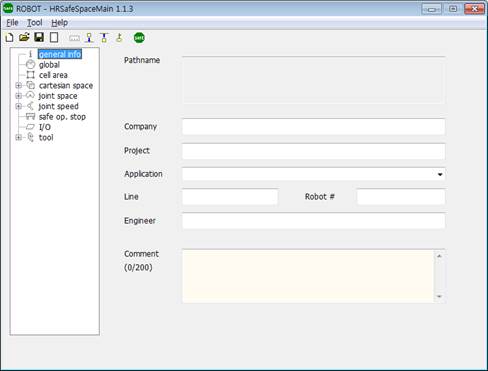
Figure 7.1 HRSafeSpace execution screen
When HRSafeSpace is started, the screen will be displayed as shown in Figure 3.1. On left-side, a tree-control is located for selection of group. HRSafeSpace provides with 9 groups of parameters. Amongst these, some groups have their sub-groups like below.

Figure 7.2 Some groups have their sub-groups
If you click a group or sub-group node, corresponding set-up page appears. At first, the pages are filled with default parameter values. Edit the parameters. If you click another node of tree-control, the edited values are applied to memory of HRSafeSpace
If you want to re-initialize the parameters as default value, select File – New menu, or click  button.